
[Open Source Story] From “Zero Graphics Background” to “Poster Editor Launch”: My Love-Hate Journey with LeaferJS
2026-03-20 Author: Ranbow
Introduction
Hello everyone, I’m Ranbow!
Last year, our team launched an online design tool “Tujingling”, mainly featuring poster editing, batch image processing, and AI image generation. Feel free to give it a try ~
For the core of graphic editing, we chose LeaferJS. During the project, we built many small tools, and I’d like to share them with you to help speed up your development. If you’re interested in the details, let me walk you through the journey.
1. Origin: Why Choose It?
Background:
- Our original ERP system had a dedicated image processing feature built with pure DOM. Lag with many elements was just one issue—the most frustrating part was slow image export performance and poor screenshot quality.
- When we received the requirement for a “poster editor,” based on past experience, we had to use Canvas. But with no graphics background, Canvas/SVG/WebGL all felt overwhelming.
Tech Selection 고민: Compared Fabric.js, Konva, PixiJS, etc.—why did we finally choose LeaferJS?
- What we loved: Friendly documentation, impressive performance (million-level rendering), plus a sense of pride in a domestic solution.
- Expectation: Thought choosing it would let us “win effortlessly” and launch quickly.
- Pain point: In the first week, I was completely confused by coordinate systems like “local, world, page.”
2. Ecosystem Status & Thanks to Open Source
When I first joined, the ecosystem was still rapidly evolving, and the official paid plugin system had not yet been established.
Community plugin support:
Open-source design project: Guomi Design - Guo Zimi — thanks to open source!
Ecosystem Builders (Giving Back to Open Source)
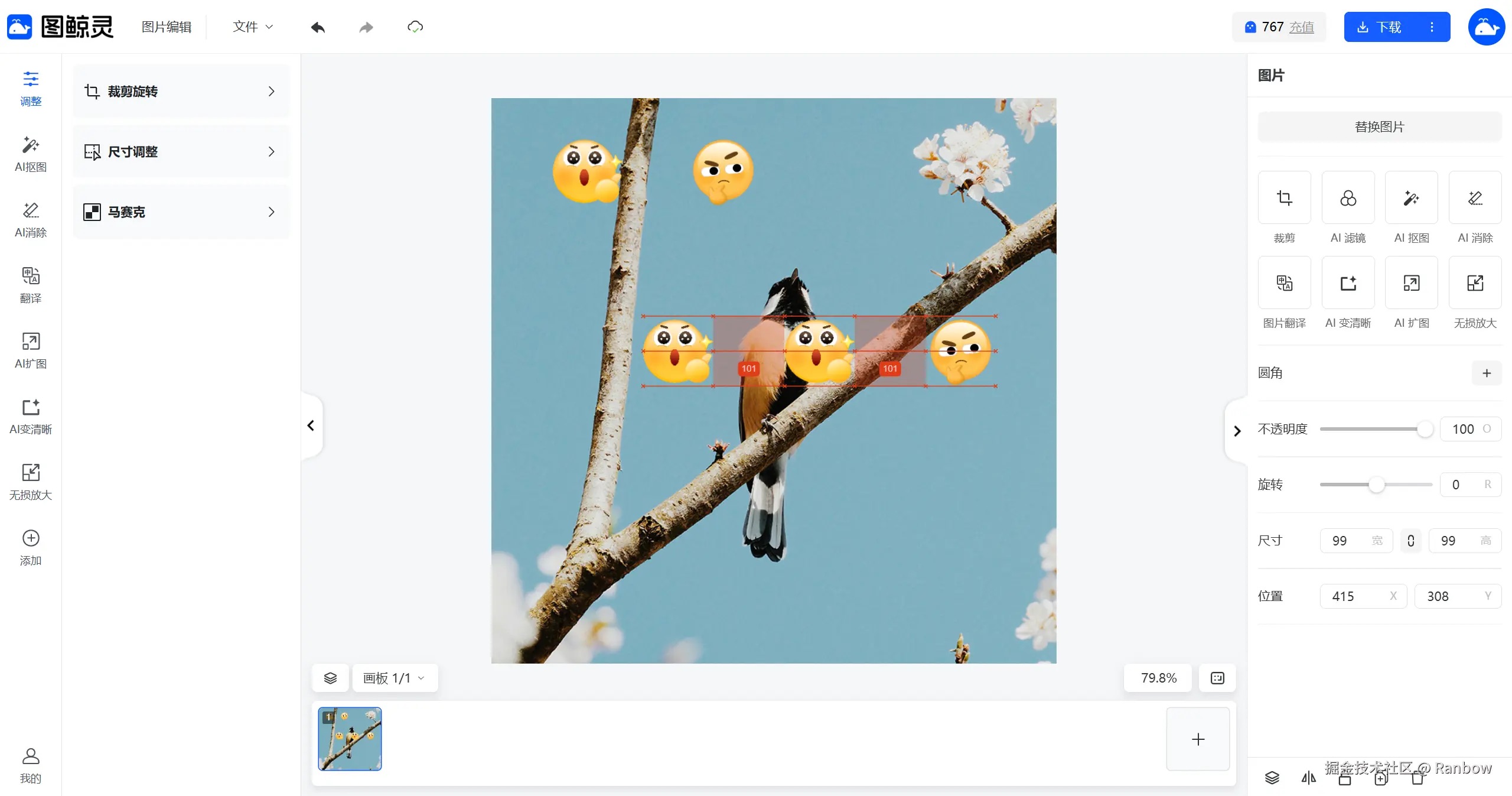
1. Leafer Snap Line Plugin
Redesigned and enhanced based on the open-source snap line plugin to meet product needs
- Project: leafer-x-easy-snap
2. Leafer Image Cropping Editor
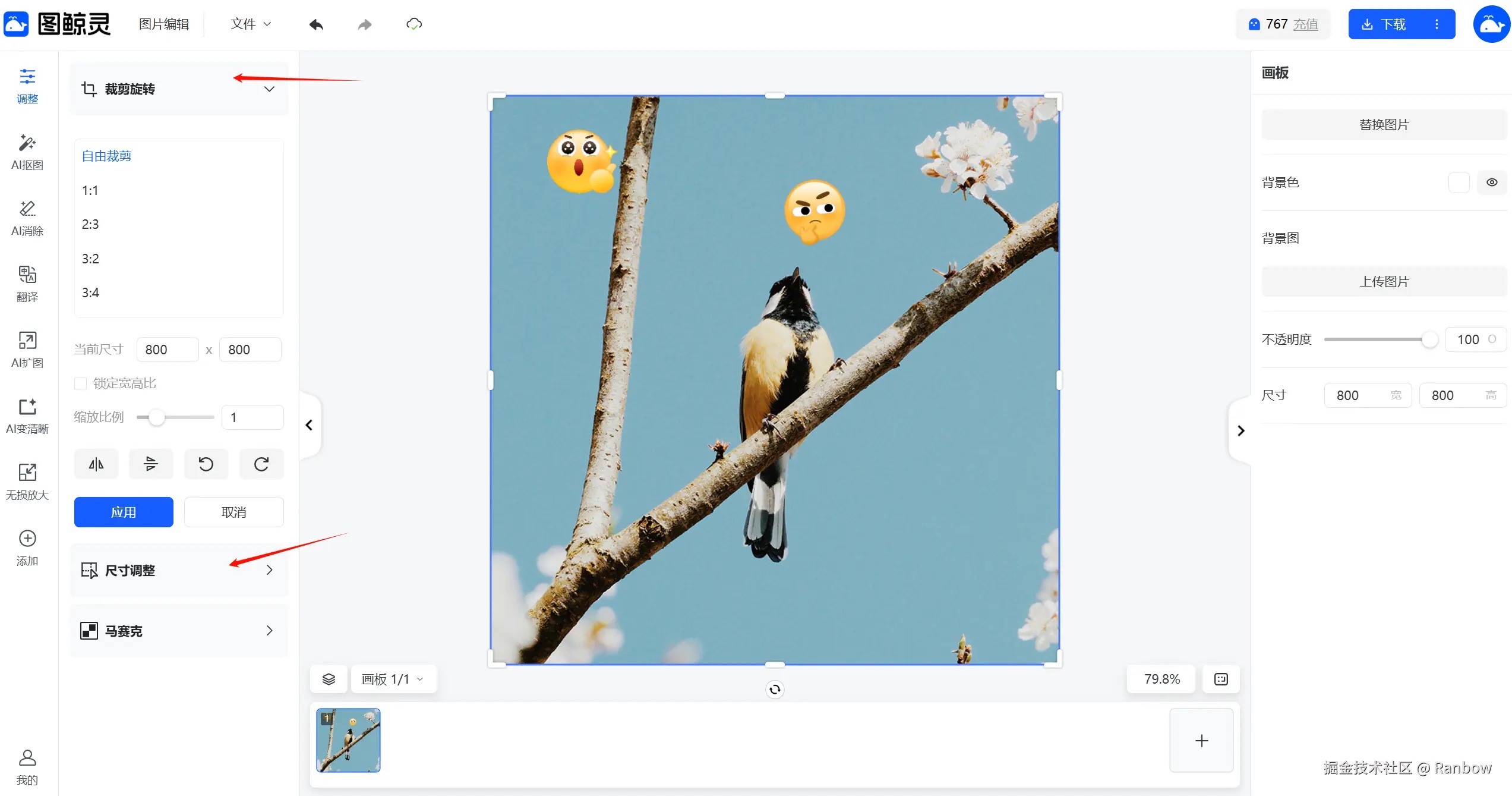
Core idea: wrap a cropping element (image or others) inside a container. By adjusting the child element’s position within the container, cropping is achieved.
- Project: leafer-x-clip-resize-inner-editor
Later, the official team released a powerful cropping plugin specifically for elements like Rect. However, I still prefer my approach—because following this logic, I can crop almost anything...
Later, I extended this to support full canvas-level cropping. After cropping, child element positions are updated to their visual positions and remain editable (not open-sourced due to strong business logic coupling).
3. Undo & Redo
I knew long ago that Gaoding Inc. open-sourced a state management library (StateShot). Based on it, I translated the docs into Chinese and refactored the code into TypeScript. In principle, either version works—mine just has better TS support.
- Project: state-snapshot
A non-intrusive history state management solution based on structural sharing. For deeper understanding, see Core Concepts. It helps reduce stored data size after changes and avoids memory explosion.
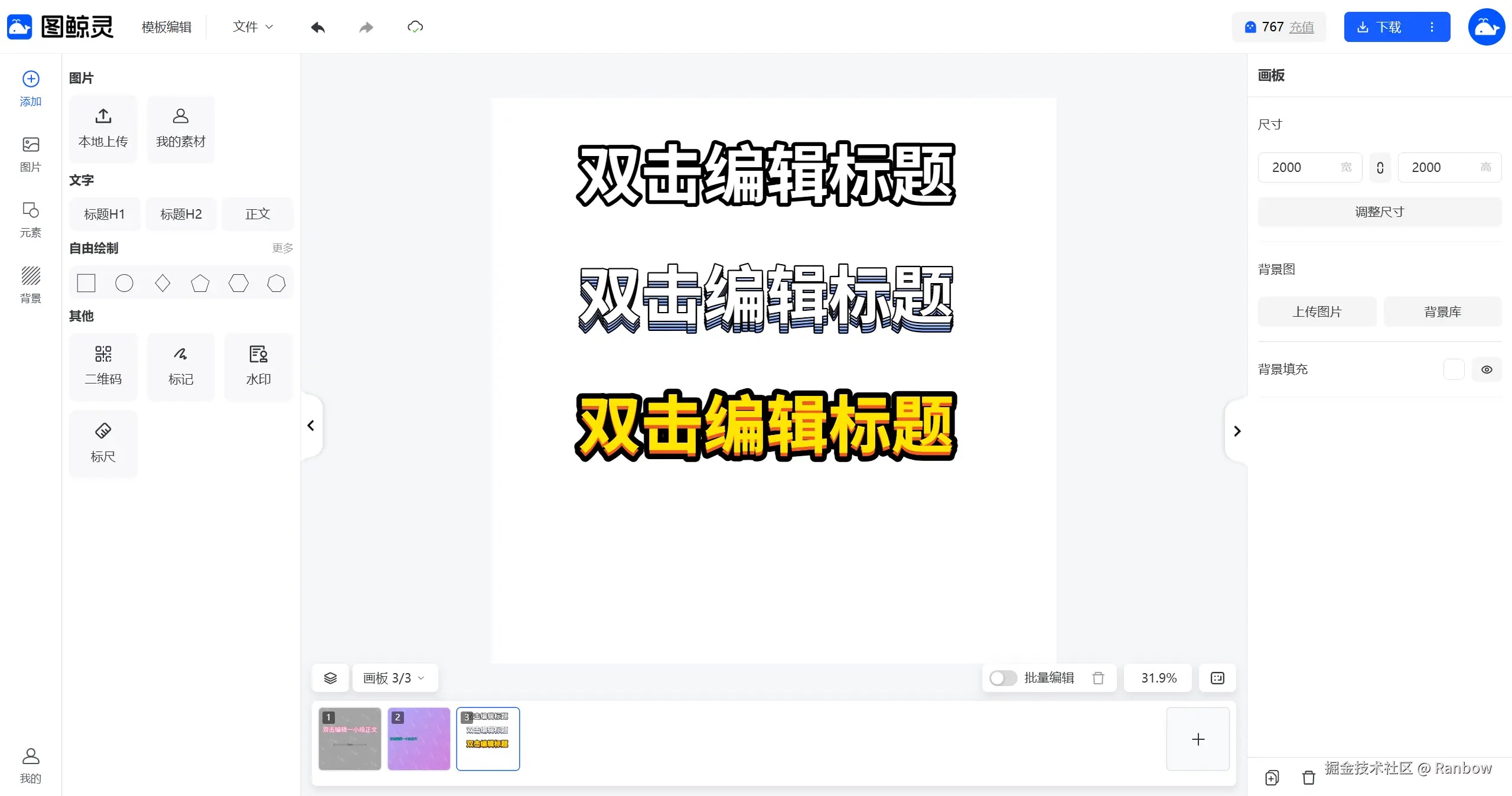
4. Leafer Text Effects Plugin

A powerful Leafer UI text effects plugin supporting multi-layer effects such as stroke, shadow, gradient, etc.
- Project: leafer-x-effect-text
- Playground: Preview
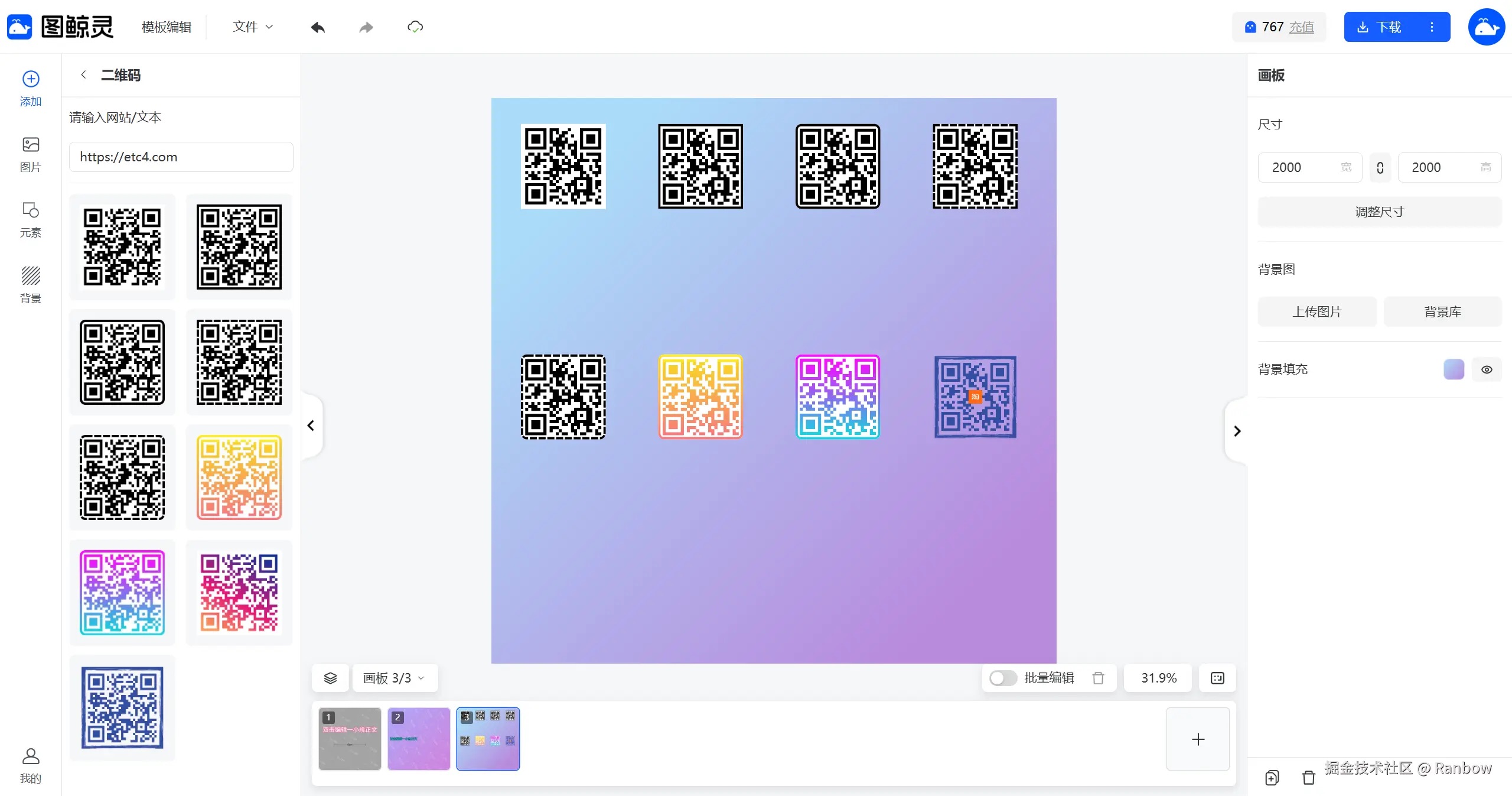
5. Leafer QR Code Plugin
Leafer UI QR code plugin that generates QR codes from text, with support for a center icon
- Project: leafer-x-qrcode
- Playground: Preview
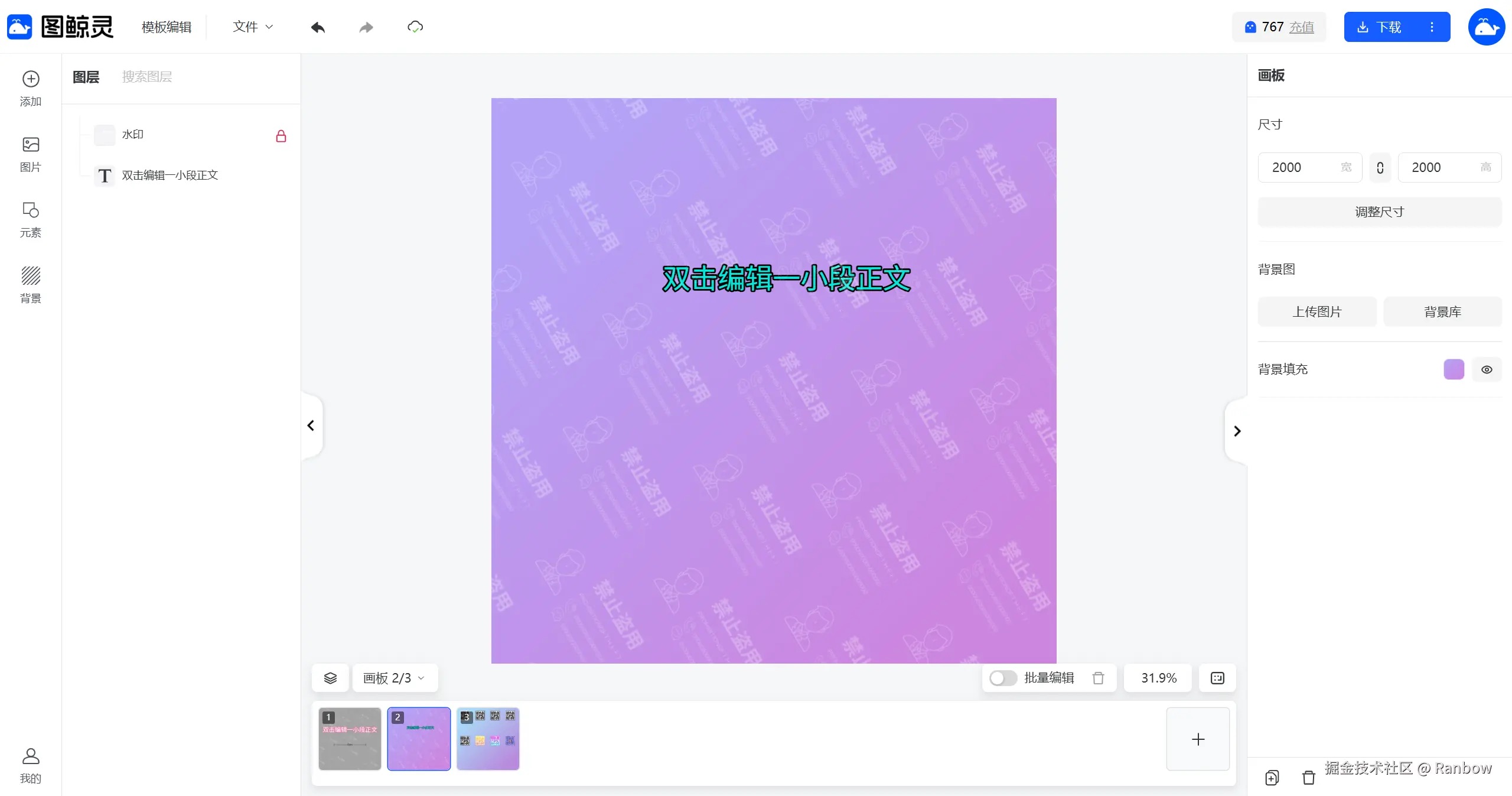
6. Leafer Watermark Plugin
Leafer UI watermark plugin supporting tiled watermarks based on parent containers and partial tiling
- Helped push official support for interlaced watermark effects (originally implemented via custom hacks; supported in Leafer 2.0.0 interlace)
- Project: leafer-x-watermark
- Playground: Preview
Interesting Features
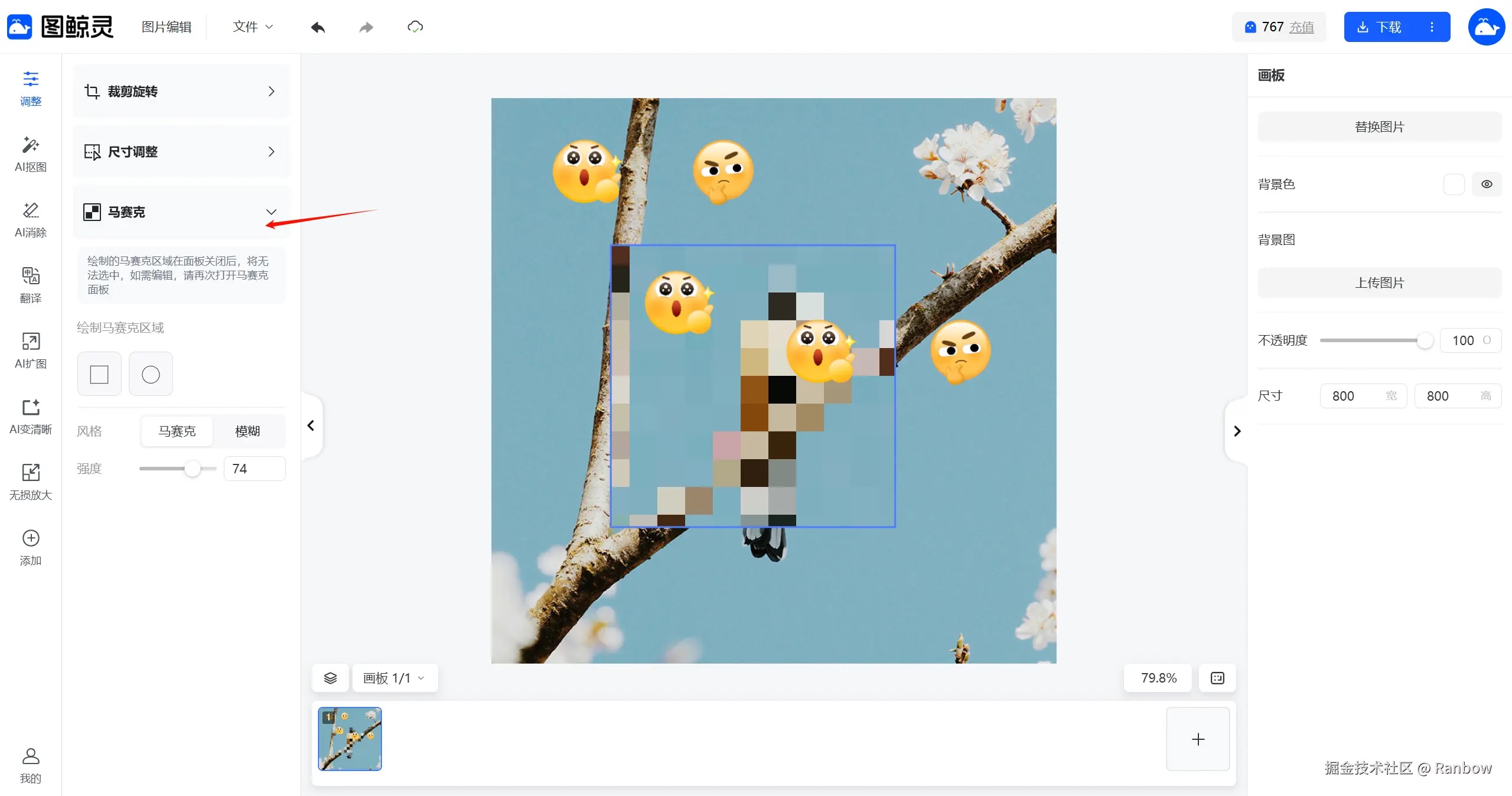
1. Mosaic & Gaussian Blur
Implemented based on the canvas background. Quite complex—mosaic elements must be editable without affecting other elements, and multiple mosaics must connect seamlessly.
Approach:
- Extract and modify the parent container’s render logic
- Use filter effects to compute the overall mosaic
- Extract mosaic regions for independent rendering, then continue rendering child elements

2. Slice Export
Implemented real-time rendering of slicing boundaries (marching ants effect), allowing users to preview slice areas instantly—great experience ~

3. High-Performance Rendering
Real-time preview rendering at the bottom of the canvas—this seemingly small feature gave me a lot of trouble initially. With many canvases, rendering + saving data (including previews) to the server becomes a performance nightmare.
- In addition to debouncing, we built a “snapshot management service” for efficient preview generation
- Precisely identify which canvas needs re-rendering to avoid unnecessary performance overhead
Author: Ranbow Link: https://juejin.cn/post/7618805017437847595 Source: Juejin